Personal data isn’t just information – it’s the new gold that your phone and its apps are harvesting for profit.
In 2025, the world generated approximately 181 zettabytes of data, with projections pushing toward 220+ zettabytes in 2026. Much of this comes from the apps on your devices. Your location, search history, behavioural patterns, even how you hold your phone or move through a room can be collected and sent to remote servers.
This data fuels a massive industry. The global big data and analytics market was valued at over $300 billion in 2025 and continues to grow rapidly, driven by targeted advertising, AI training, and surveillance. Every time you tap “Allow” or skip reading the Terms of Service, you’re often handing over pieces of your private life.
Let’s break down exactly how apps harvest this data, the traps hidden in permissions and fine print, and – most importantly – practical ways to fight back.
 The Scale of the Data Gold Rush
Apps don’t just collect data for their own use. They build detailed “digital shadows” of you that can be sold, shared, or used to train AI models. Aggregated user profiles can be worth hundreds of dollars per person annually to advertisers and data brokers.
Real-world tracking happens fast. Using tools like DuckDuckGo’s App Tracking Protection on a standard Android device, our 2026 research had some interesting findings:
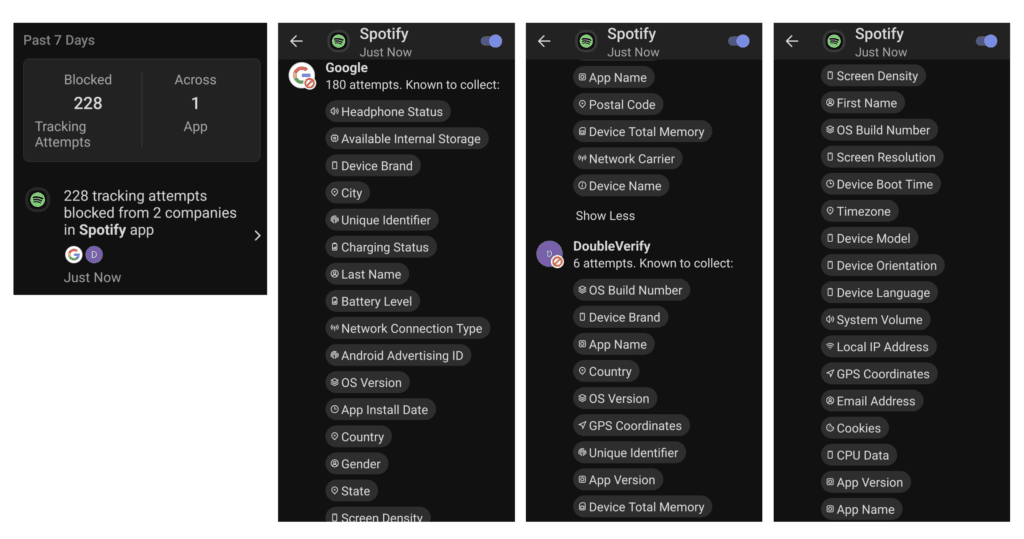
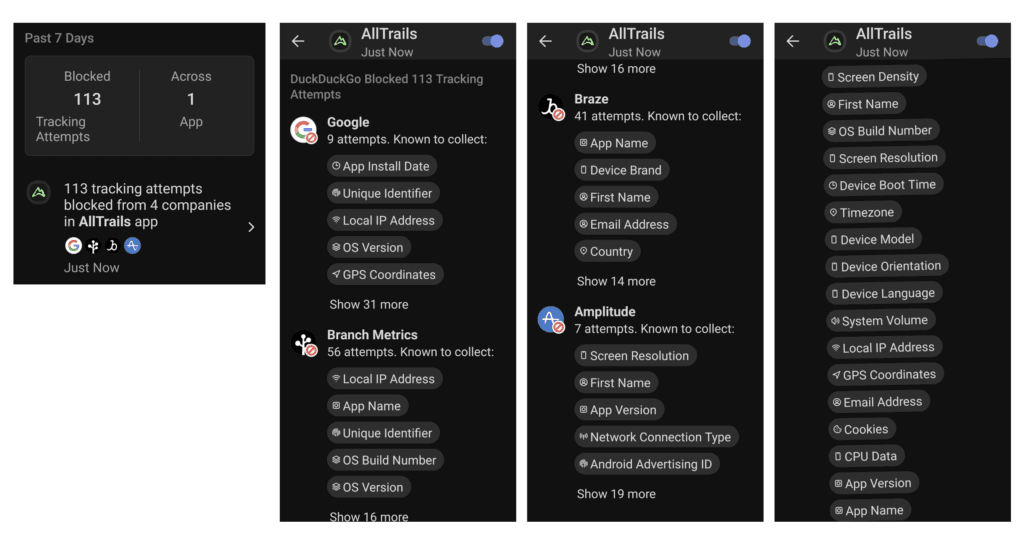
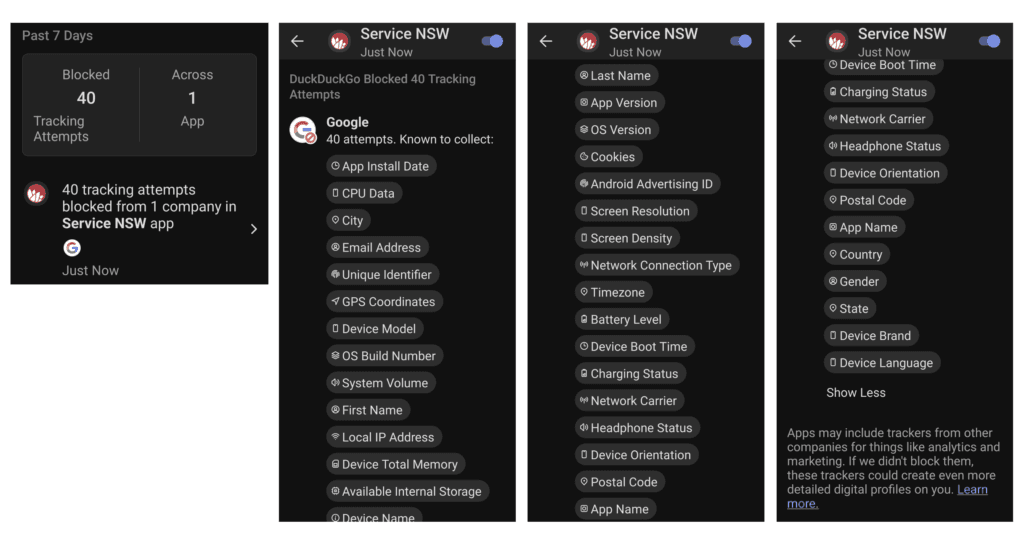
These aren’t isolated cases. Studies suggest that more than 70% of apps continue tracking users even when users have opted out where possible. Individual data points might sell for fractions of a cent, but when aggregated into profiles, they become extremely valuable.
 The Permissions Trap: What ‘Allow’ Really Means
Many apps request permissions that go far beyond what they need to function. Classic examples include:
When you grant these permissions, apps can access far more than expected. This opens the door to:
Always question whether an app truly needs the permissions it’s requesting.
 The Fine Print: TOS as Surveillance Contracts
Terms of Service (TOS) and Privacy Policies are often long, confusing, and deliberately vague. Many users simply click “I Agree” without reading them.
Notable examples of aggressive data practices include:
These agreements can effectively waive many of your privacy rights and allow indefinite data retention and third-party sharing.
 Practical Tools to Reclaim Control
You don’t need to go completely offline to push back. Here are some effective, free or low-cost tools to help you audit and limit data harvesting:
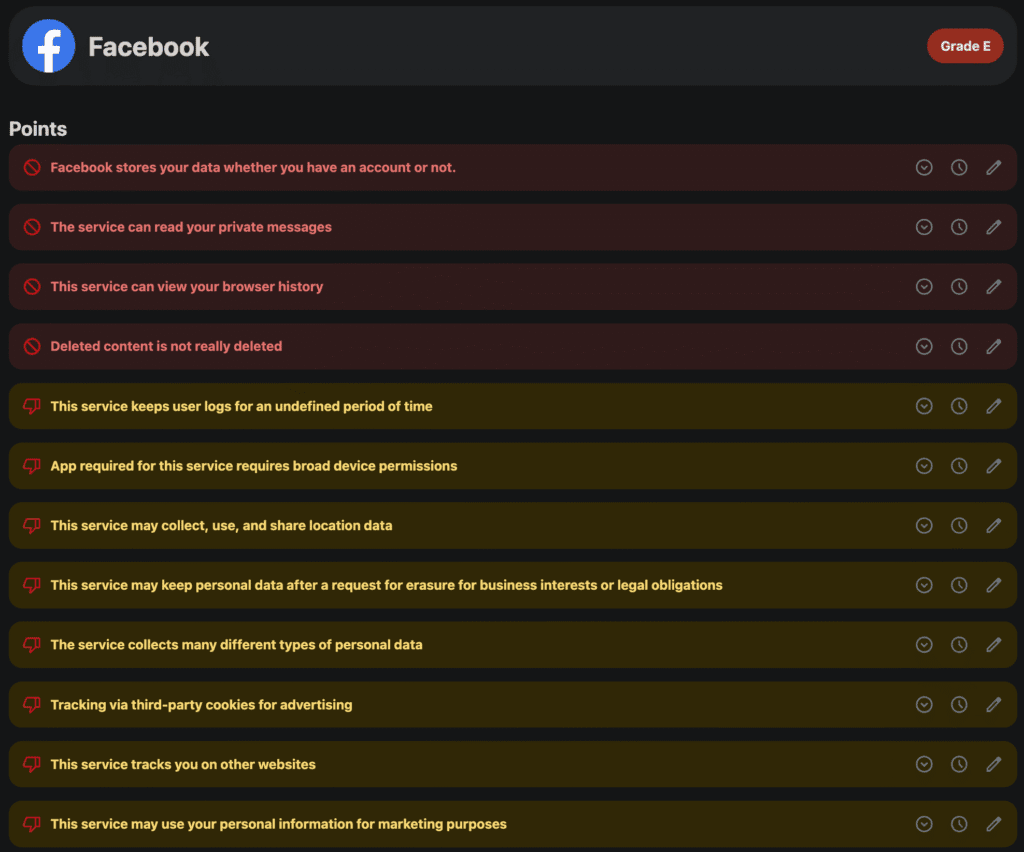
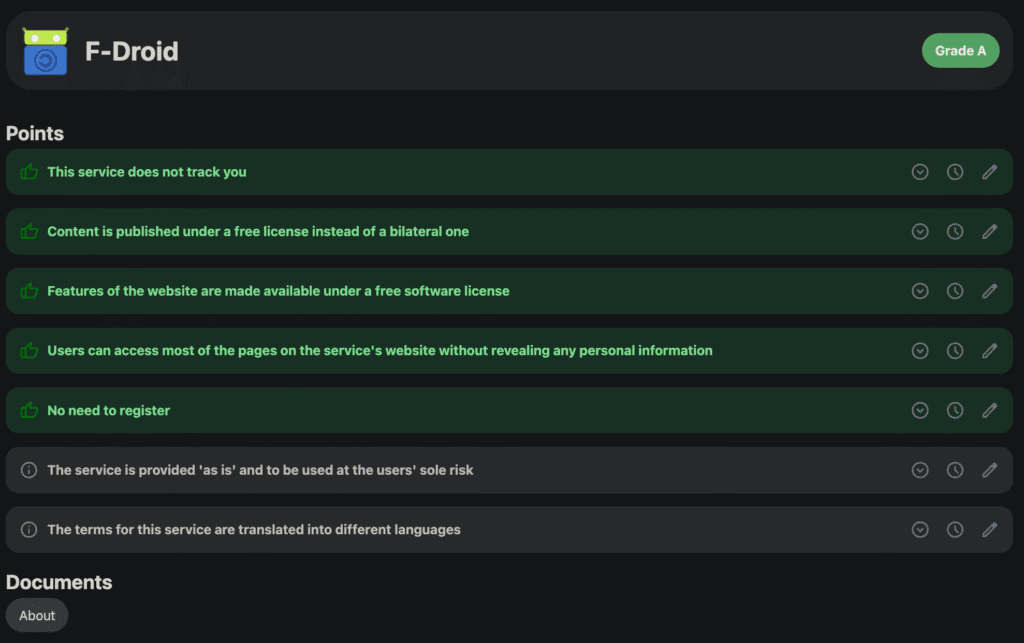
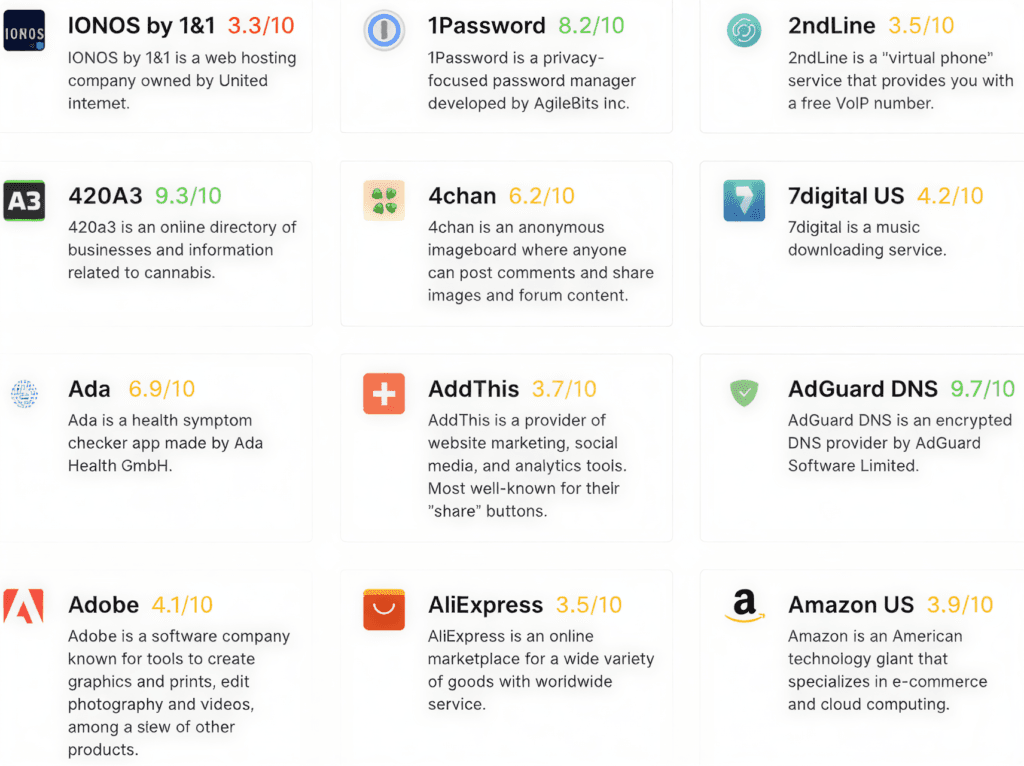
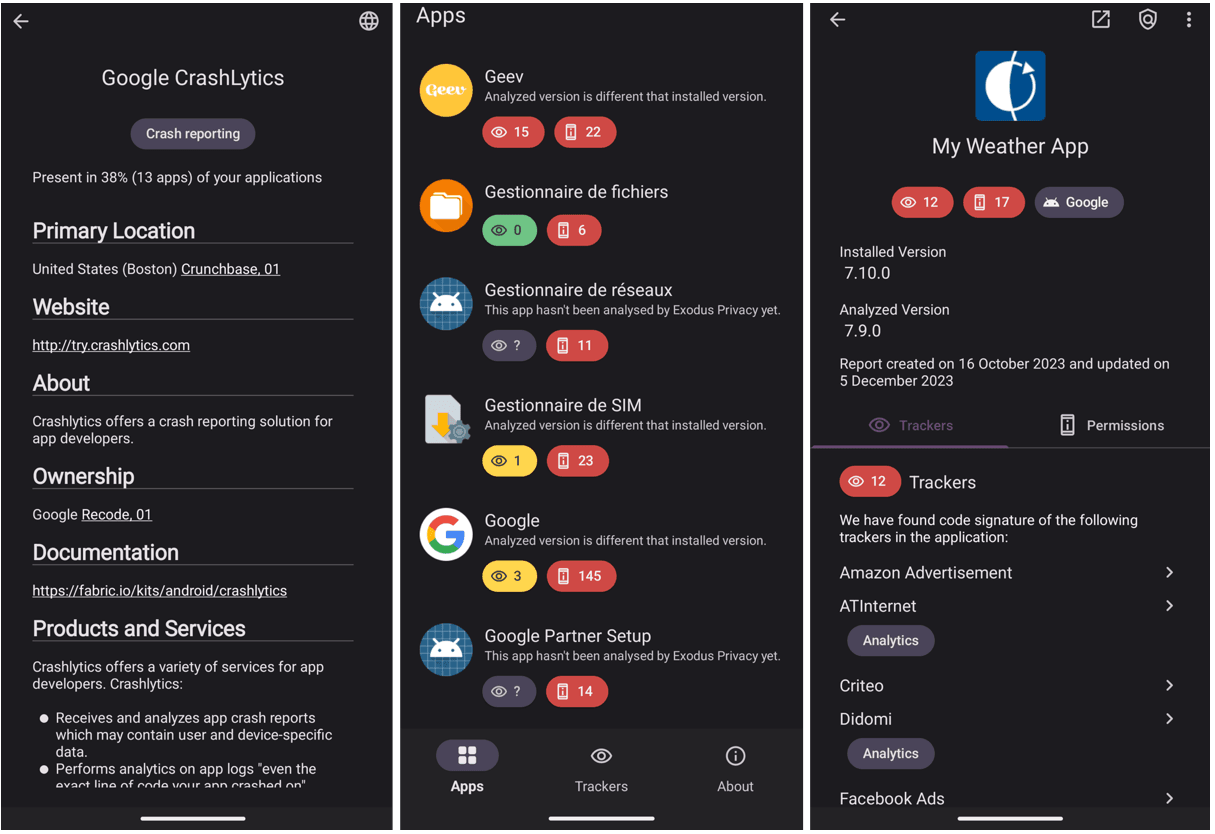
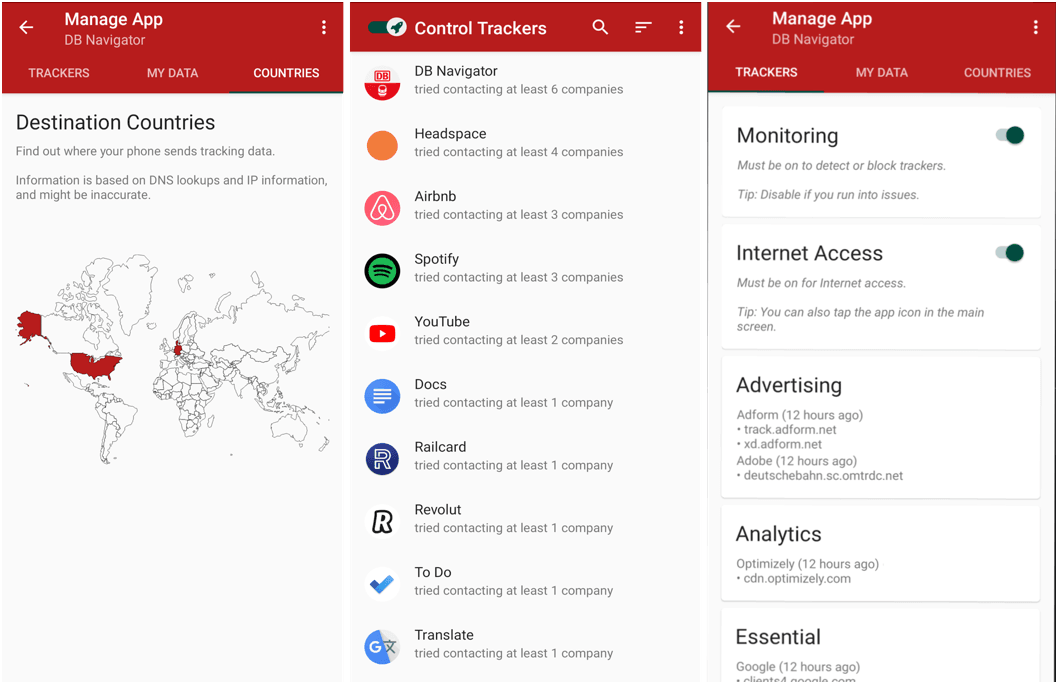
Pro tip: Start by auditing the 5–10 apps you use most frequently. Install one tool (such as DuckDuckGo or Exodus), review the results, and adjust permissions or switch to more private alternatives where possible.
For the strongest protection, many people are turning to de-Googled devices (such as Privacy Phones running GrapheneOS) that minimise telemetry at the operating system level and give you far greater control over what apps can access.
The data gold rush isn’t slowing down. Every app you use is part of a vast ecosystem designed to extract value from your personal information. The good news is that small, consistent actions – combined with better tools and more private devices – can significantly reduce how much of your life is being harvested.
Want to go further?
-> Explore our full library of Free Privacy Tools
-> Consider our Privacy Phones for near-zero telemetry and strong app isolation by default.
Your personal data is extremely valuable. It’s time to start treating it that way.