Laptops

Our policies emphasise transparency and full compliance with Australian Consumer Law (ACL).

Warranty

We purchase only brand-new Dell laptops, through our official distribution channels in Australia. Warranty does not cover – Deliberate or accidental abuse or misuse damage; Cosmetic damage (e.g., scratches, dents); Excessive force or improper use; Water, liquid damage; General wear and tear; Unauthorised repairs.

Our Privacy Laptops come with Basic Onsite Service Initial, 12 Month(s) Warranty. Handle claims by contacting us with inquiry type ‘Warranty, Returns & Cancellations’. Upon verification of your order, we will provide instructions for you to return the product to us including its original packaging and proof of purchase so we can contact the supplier to pursue a claim. The return postage and handling fees for warranty claims are at your expense. The outcome of the warranty claim will be provided to you and we will contact you to discuss repair/replacement/other options.

Returns

As our Privacy Laptops are custom-hardened privacy devices, returns align with Australian Consumer Law (ACL) for non-standard goods – remedies focus on faults, not change-of-mind. We disclose this upfront to sustain our model and we are unable to accept return of products for change of mind.

Cancellations

Sales are final to ensure operational resilience, but we’re ethically flexible – if payment is recent and we haven’t started sourcing/configuring your device (usually 24-48 hours from placement of your order), a full refund for the product and postage can be provided at our discretion. Handle cancellations by contacting us with inquiry type ‘Warranty, Returns & Cancellations’.
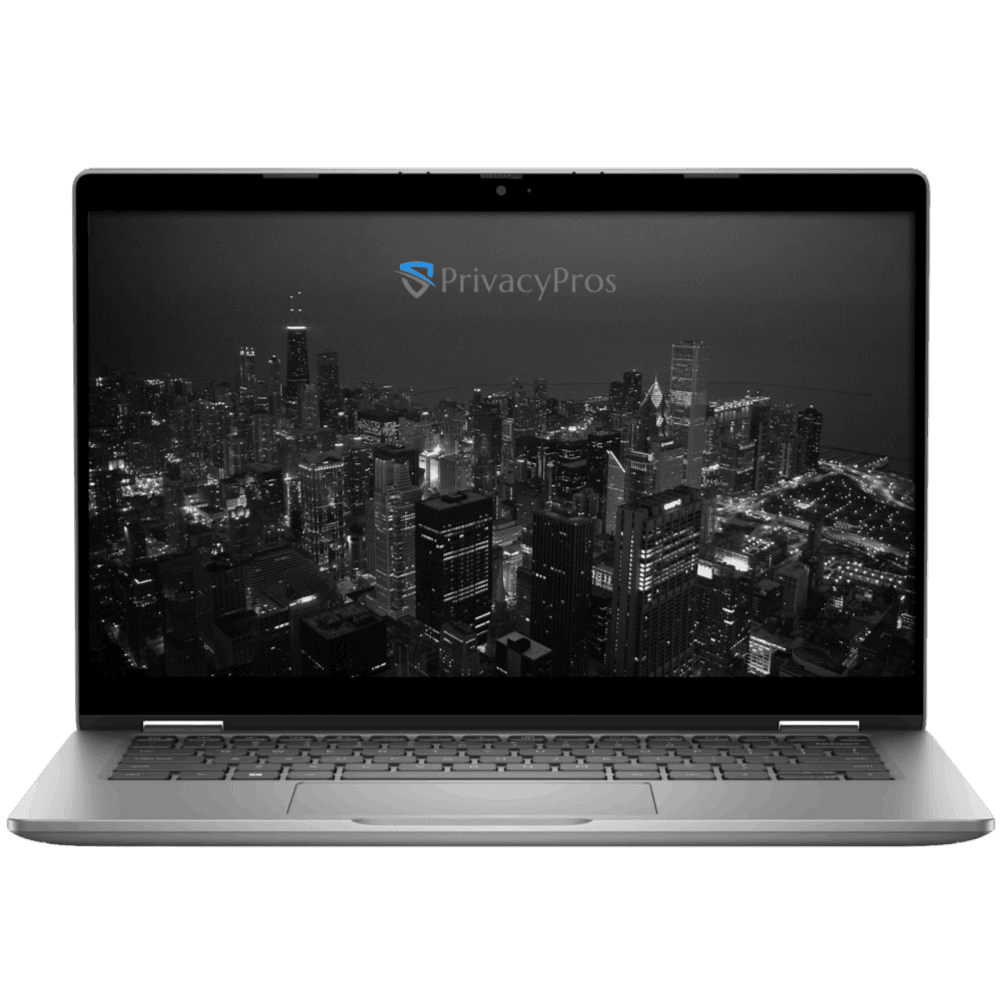

Every Privacy Laptop is built for self-reliance and long-term digital resilience. Unlike transaction-only sellers, we’re genuinely invested in your privacy journey, which is why our custom manuals go far beyond basic instructions (or lazy/technical copy pastes). Each laptop comes with a Quick Start Guide (QSG) to get you well equipped with the basics.

Because we are a small, mission-driven team keeping prices as low as possible, additional one-on-one support is not provided. Further personalised help with advanced configurations or ongoing strategy is available through our consultation services. For everything else; the provided QSG, our FAQs, and the Zorin OS documentation (Zorin Help) and community forum (Zorin Forum) remain the fastest and most thorough resources.

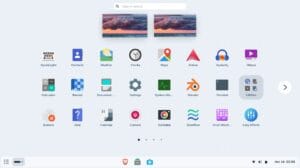
Our Privacy Laptops will arrive with Zorin OS Pro (Operating System) fully loaded and we also pre-install a bundle of apps to enhance your privacy, security and anonymity. This package includes:

  • Productivity and Office Suite
  • Creative and Media Suite
  • Utilities and Connectivity
  • Proton Ecosystem
  • Other Bundled apps

Productivity and Office Suite

  • LibreOffice Suite: Full office package for word processing, spreadsheets, presentations, databases, and drawing. It’s a direct alternative to Microsoft Office, with better privacy (no cloud tracking) and seamless file compatibility. It’s free forever and pre-configured for quick startup.
  • Planify: Task manager for to-do lists, reminders, project planning, and cloud sync (pair it with Proton for private syncing). Simple for families/non tech-savvy switching from Windows To-Do or Outlook tasks.
  • Xournal++: Note-taking and PDF annotation app with handwriting support, audio recording, and stylus integration (great for Essential touch/pen support). A privacy-focused alternative to OneNote, with local storage only.
  • Logseq: Knowledge management and note-taking tool for organising ideas, with markdown support and no data sharing. Ideal for users accustomed to Evernote but wanting zero telemetry.
  • Scribus: Desktop publishing for creating brochures, newsletters, or PDFs. Replaces Publisher or InDesign, with pro-level features but simple templates for beginners.
  • FreeCAD and LibreCAD: 3D/2D CAD software for design and modeling. Alternatives to AutoCAD/SOLIDWORKS, emphasising open-source transparency for secure workflows.
  • Foliate: E-book reader with library management, annotations, and no ads/telemetry. A clean switch from Kindle apps.

Creative and Media Suite

Zorin OS Pro includes a professional-grade creative bundle (valued at $5,000+ in equivalents), all pre-installed and optimised with our privacy laptops’ hardware. These are Hollywood-level tools but user-friendly for non tech-savvy, with no hidden tracking:

  • Kdenlive or PiTiVi: Advanced video editors with effects, transitions, and multi-track support. Alternatives to Premiere Pro or VEGAS, secure for editing without cloud uploads.
  • GIMP (with extras) or Krita: Image editors for photo retouching, painting, and digital art. GIMP is Photoshop-compatible; Krita focuses on sketching. Both support layers, brushes, and plugins, with fingerprinting resistance.
  • Inkscape: Vector illustration tool for logos, diagrams, and UI design. Replaces Illustrator, with scalable graphics and easy export.
  • Ardour or Audacity: Audio workstations for recording, editing, and mixing. Ardour is pro-level (like Ableton); Audacity is simple with no audio spying.
  • Blender: 3D graphics, animation, and effects software (used in Hollywood). Basics pre-installed for modeling, rendering, and simple animations – secure for creative work without subscriptions.
  • Darktable: Photography workflow for raw image processing and editing. A privacy-respecting Lightroom alternative.
  • OBS Studio: Screen recorder and streaming tool. Easy for tutorials or gaming, with local saving only.

Utilities and Connectivity

These handle everyday tasks securely, with Zorin OS Pro’s lightweight design ensuring 5-10s boot times and extended battery life.

  • Brave (default browser): Privacy-focused browsing with tracker blocking. Pre-hardened in Zorin for simplicity; no Google data farming.
  • Evolution: Email client with calendar and contacts. Integrates with Proton for encrypted setup.
  • Zorin Connect: Merges your Privacy Laptop with phones (e.g., Privacy Phones) over encrypted local networks – no cloud. Sync notifications, files, clipboard, and use phone as a remote.
  • Network Displays: Wireless screen casting/mirroring for TVs or monitors, cable-free and private.
  • Deskflow (formerly Barrier): Share one mouse/keyboard across multiple computers securely over local encrypted connections. Great for multi-device setups.
  • Other essentials: Rhythmbox (music), VLC/Totem (video), Transmission (torrents), VirtualBox (virtualization), Remmina (remote desktop), Brasero (disc burning), Handbrake (video converter), Cheese (webcam).

Proton Ecosystem

As partners with Proton, which is trusted by more than 100 million users, we pre-install many of their suite of Swiss-encrypted, zero-access, no-logs apps. This includes:

  • Proton Mail: Secure your communications with encrypted email (more info)
  • Proton VPN: Keep your online activity secure and private (more info)
  • Proton Drive: Organise your photos and files with secure cloud storage (more info)
  • Proton Calender: Organise your schedule privately (more info)
  • Proton Pass: Protect your online identity with an encrypted password manager (more info)
  • Proton Authenticator: Secure your online accounts with 2FA across devices (more info)
  • Standard Notes: Write and store private notes across your devices (more info)

Other Bundled Apps

We vet and pre-install other Bundled Apps for you to build digital resilience with privacy, security, and anonymity. This includes:

  • Mullvad Browser: Complements Brave Browser for diverse browsing
  • uBlock Origin: Enhances your hardened Brave setup
  • ClamAV with ClamTK GUI: Linux is inherently resistant, but this reassures those worried about “viruses”
  • BleachBit: System cleaner for wiping drives, temp files, browser history, etc
  • Cryptomator: Cloud-agnostic file encryption for folders/drives
  • Onionshare: Anonymous Tor-based file sharing – no servers, off-grid

Need a laptop free from Microsoft, Google or Apple spying? Shop our Privacy Laptops now

secure private privacy laptop privacypros australia

Our Privacy Laptops are powered by Zorin OS Pro, a secure and user-friendly Linux operating system (OS) designed with privacy in mind. If you’re not familiar with tech terms, think of an OS as the “brain” of your laptop – it controls everything from opening apps to connecting to the internet. Zorin OS Pro is the premium version (~$80) of Zorin OS, and we’ve included it at no extra cost to give you the best experience.

Zorin OS is built on Linux, a free and open-source system that’s trusted worldwide for its rock-solid stability and security. Unlike Windows or macOS, which are “closed-source” (meaning only the company can see and change the code), Zorin’s code is open for anyone to inspect and audit. This transparency helps catch and fix security issues quickly, ensure there are no back doors or invasive tracking, making it a top choice for privacy-focused users.

Here’s why Zorin OS Pro stands out, especially if you’re switching from Windows and want something simple yet powerful:

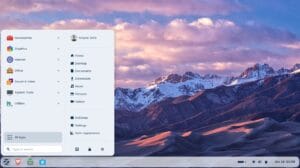
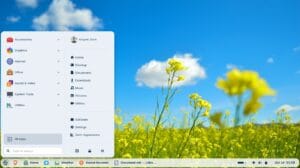
  • Easy to Use for Beginners: It looks and feels a lot like Windows, with familiar menus, taskbars, and layouts. No steep learning curve – you can jump right in and start working or browsing.
  • Built-in Privacy and Security: No hidden tracking, ads, or data collection. It blocks invasive features like “telemetry” (automatic data sending to companies) and forced AI tools that could spy on your activities. Plus, our experts pre-configure (“harden”) it with advanced settings, pre-installing the Proton ecosystem (Swiss-based security) and other apps to maximise protection against hackers, viruses and surveillance.
  • Full Control in Your Hands: You decide what runs on your laptop – no unwanted updates or bloatware. It’s ideal for everyday tasks like email, web browsing, document editing, or creative work.
  • Pro Features for Productivity: Includes premium tools for customisation, like extra desktop themes, advanced file management, and built-in support for creative apps.
  • Why Linux Over Windows or macOS?: Standard OSes from Microsoft or Apple often collect your data (e.g., search history, location) and share it with advertisers or governments. Zorin OS Pro cuts that out entirely, giving you a “DeGoogled” and privacy-optimised laptop without sacrificing performance.

If you’re new to Linux, don’t worry – it’s more secure than Windows (fewer viruses target it) and runs smoothly on our hardware. We’ve tested it extensively to ensure compatibility with common apps and peripherals.

Switching to a privacy-focused operating system is a smart step toward reclaiming your digital freedom.

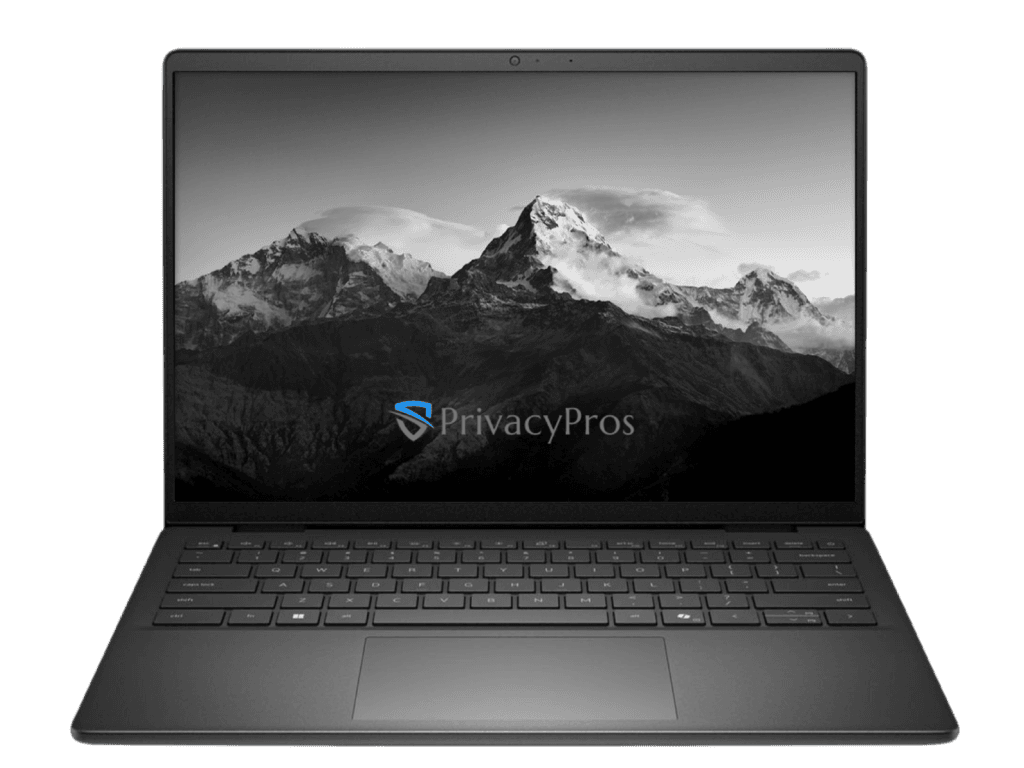
PrivacyPros use rigorously tested, new Dell Laptops sourced from our Australian suppliers. For our Privacy Laptops we offer 2 choices:

  • Dell Latitude 3340 (model: AULT33402I1585)
  • Dell Pro 14 PV14250 (model: OPV1425000101GAUCOM)

Why These Models?

  • Proven Linux Compatibility: 100% seamless with Zorin OS – WiFi, Bluetooth, camera, trackpad, etc work out-of-box; no driver hassles.
  • Quality and Excellence: Vetted for performance; upgrades ensure lightning-fast Zorin (5s boots, lag-free multitasking); 2x faster/better battery than old Windows setups.
  • Everyday Power: Ideal for browsing, office, streaming, light productivity – upgradeable RAM (pro only) /SSD for future-proofing.
  • Usability: Ideal for non tech-savvy looking to switch/transition from Windows and Apple.

What to expect:

  • Seamless: Hardware fully compatible – zero drivers needed for WiFi, BT, camera, etc.
  • Quick: Lightweight ZorinOS Pro = 5s boots, no lag; 2x battery vs. old Windows setups; handles 20+ tabs easily.
  • Feels Like Home: Tweak layouts to mimic Win11 or older Windows/MacOS setups your familiar with in seconds; non-techies/families will transition easily.

Transform to a desktop setup:

  1. Plug compatible HDMI/DisplayPort/USB to monitor/display.
  2. Zorin auto-detects: Settings > Displays > Mirror/Extend.
  3. Dual/triple screens ready – drag windows freely.

Ready for privacy perfection for a PC? Shop our Privacy Laptops now

With end of support for Windows 10 on 14 October 2025, over 250 million incompatible PCs worldwide (millions in Australia) lack security updates, exposing them to ransomware, zero-days, and identity theft. Upgrading to Windows 11 often requires new hardware (~70% of Win10 PCs ineligible due to TPM 2.0/Secure Boot/CPU needs), costing $1,000+.

Windows 11 introduces privacy risks via enhanced telemetry and AI features like Copilot and Recall (Copilot+) which captures PC screen activity (e.g., screenshots every few seconds) for AI processing – raising concerns over invasive data collection, potential data breaches or leaks. Microsoft collects diagnostic/usage data to improve services, but this can also profile habits without full user control.

Microsoft data collection (2025)

Data CategoryWhat It CollectsPrivacy Impact
DiagnosticsCrash reports, device health, app usage patterns.Profiles habits; sent to Microsoft for improvements.
Typing/KeystrokesInput patterns (not content/passwords).Infers behavior; opt-out limited.
Mic/WebcamOnly with app permission; no default recording.Potential leaks if breached.
Files/BrowsingIndexed for search; history/settings.Builds profiles; local but telemetry-enabled.
Location/HealthIf enabled; app-specific.Tracks movements; shared via services.

Our solution

Switch to our affordable, easy-to-use laptops that use Zorin OS Pro (Linux-based) – designed for Windows/MacOS users but has zero telemetry (‘tracking’), is open-source (anyone can inspect its code), and provides strong security. With no invasive AI, or screenshots being taken every few seconds – at default your personal data stays private.

Switching to a Privacy Laptop empowers you to exit the constant tracking and farming of your personal data from Microsoft, Apple and Google.

We purchase and configure Zorin OS Pro – a Linux-based Operating System (OS) optimised for privacy, security and usability. There are no hidden tracking, forced updates, AI, or heavy antivirus. Just faster, more secure computing where you own your personal data.

Why You’ll Love It:

  • Familiar Interface: 12+ desktop layouts mimic Windows 10/11, macOS, or Linux – switch in seconds.
  • Security & Performance: Highly malware-resistant; lightweight anti-virus pre-installed, faster boot times, better battery life; regular updates without slowdowns, no forced updates.
  • Popularity Surge: Over 100k downloads of Zorin OS in 48 hours post-Win10 EOL.
  • Ready-to-Use: Arrives hardened and set up – just power on.

Check this overview of the Operating System (OS) we use.

Check this article – Ditch Windows Nightmares: Why Linux is Your Ultimate Privacy PC.

PrivacyPros Australia 2026 logo
Loading...